


Manage User Contacts In Your Team
You have full control over your users’ contact lists
Customizing your users’ contact lists, and putting them in specialized groupings, is one of the key features on your Brosix team network.
With Brosix, you are able to manage the contact lists of the users in your team network, controlling who communicates with whom. The Team Network Administrator can easily adapt your users’ contact lists for more efficient and productive internal communication.
This feature also gives you an option to separate your company departments and teams with group chat options and customization!
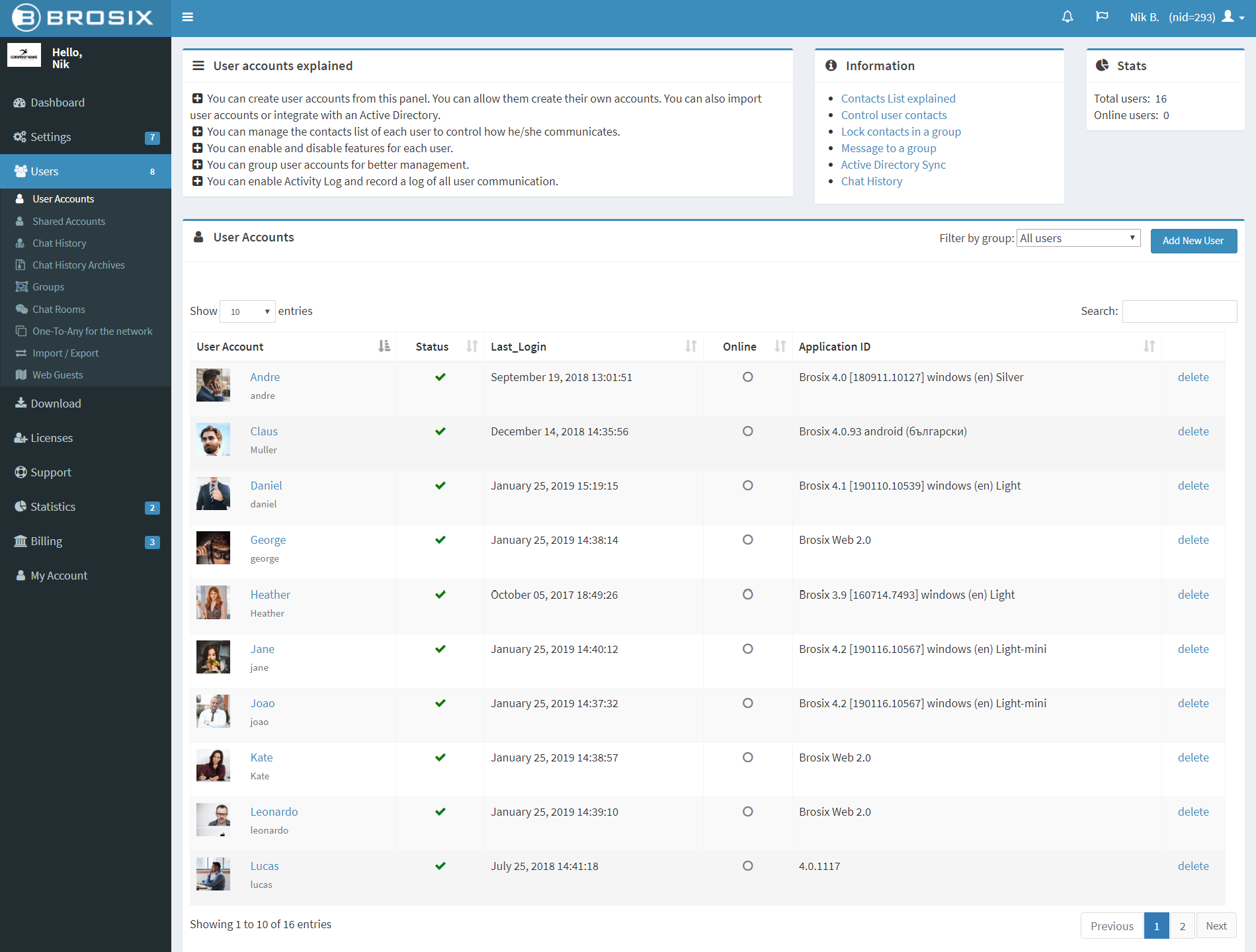
Create Customized Contact Lists on a Group Level
The default communication rule on Brosix Networks is “Any to Any for the entire IM Network,” meaning users on the network can freely communicate with all other users. A similar feature is available on a group level, meaning all group members of a specific group may communicate with each other. Often this situation can lead to less efficient communication, and it’s more desirable to limit users’ contact lists and group contacts in certain ways.
For even more flexibility, you could also allow a specific user from one department to communicate with all users in another department without them officially being added to that group. This feature is also known as ‘One-to-Any for a group.’
You can also set the group to Private, meaning only group members will see the group in their contact list.
Customize contact lists on users` level
You can add and remove specific contacts from the user’s contact list. You can also add the user to groups, or allow the user to communicate with specific groups or persons within the group, without being added officially, i.e. ‘One-to-Any for a group.’
Here’s an example: you have a 10 person sales team and a 20 person support team, and want to allow the team managers to be able to communicate with users of both teams. You can grant the sales manager, for example, “one to any” to the support group, allowing him or her to communicate with the group without directly participating in it. The other users in these departments could communicate only inside their own department.
You can also allow certain users to communicate with all users on your entire network, otherwise known as ‘One-to-Any for the entire IM network.’ This function is great for IT support roles and other positions that require open communication across your entire organization
There are numerous customization possibilities with Brosix, allowing you to make your network work best for you and your team!