


Instant Video Chat
I can see you now!
Sometimes it’s not enough to only hear someone’s voice, you need to see their face in order to experience a full in-person meeting. Besides hearing their laughter, you want to see their smiles, gauge their reactions, or simply introduce yourself face to face.
By using Brosix’s Video Chat Feature, you can organize an in person meeting through your private team network. All you need is a webcam. You can even open several video sessions at the same time with different people. The only restriction is the bandwidth of your Internet connection.
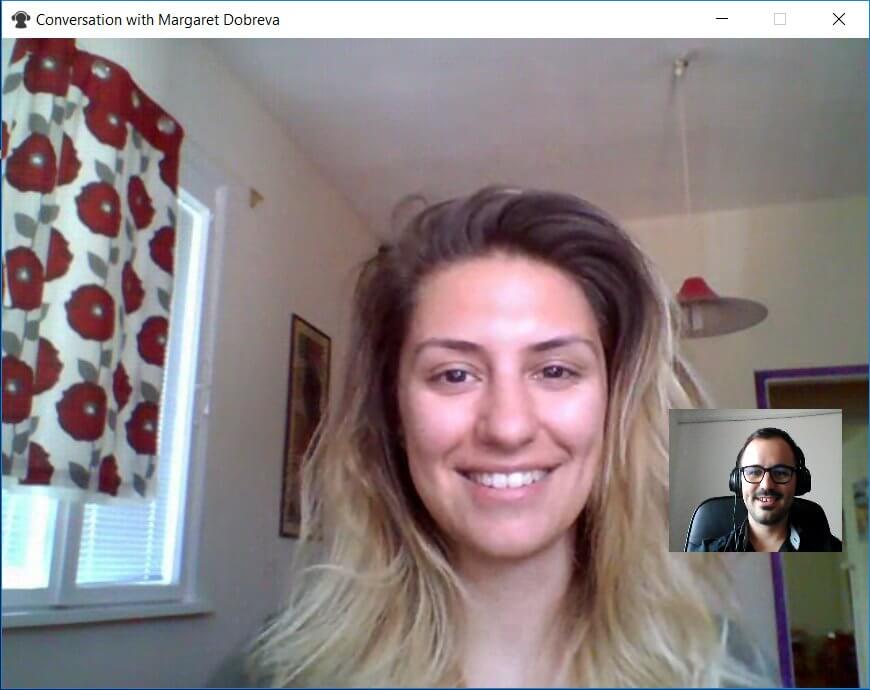
There are numerous ways that Brosix customers use Instant Video Chat to improve their collaboration, including:
Engaging Remote Employees
Businesses working with remote employees often face engagement challenges. It’s difficult to recreate the feeling of working together in one office. Instant Video Chat can help by visually connecting remote employees, helping them feel better connected to their colleagues.
Remote Training
Visually connecting the trainer and trainee is a crucial part of the training process. Instant Video Chat allows you to more effectively conduct remote training. When used in combination with other Brosix features such as Screen Sharing and File Transfer, Instant Video Chat can improve the efficiency of your remote training.
Hiring and Onboarding
It’s not always possible for candidates to come for an in-person interview during the hiring process, especially when hiring a remote employee. With Instant Video Chat you can easily recreate in-person interviews. Once a new team member is hired, conducting virtual onboarding sessions is a cinch with Instant Video Chat.
Combine Video Chat with other Brosix Features
The Video Chat software can be used simultaneously with other Brosix features for an even more engaging interaction. For example, you can share your screen to show your colleagues a presentation and browse the web together, use the Whiteboard Feature to create diagrams and graphs, or send a secure file. All the Brosix chat features are also available to pair with Video Chat, so you can tailor your communication experience to fit your needs!
Hold Group Video Chats
Group Video Chats can help you stay connected and efficiently collaborating with your team. By manually setting up individual calls between all members, Brosix allows you to hold group Video Chats. As an example: A, B and C want to hold a group Video Chat.
- A enters an individual chat with B and C
- B enters an individual chat with A and C
- C enters an individual chat with A and B
In this way all three colleagues will be connected and ready to collaborate!
How to Start Video Chat with Brosix
You can start a video chat as easy as sending a text message by following these three steps:
- Select a name from your contact list.
- Click on the “Audio and Video Talk” icon on the right side.
- Click on the “Start Video” button during the voice call.
You can start a video chat session from the text chat window as well. Instant Video Chat is now available at your fingertips with Brosix.