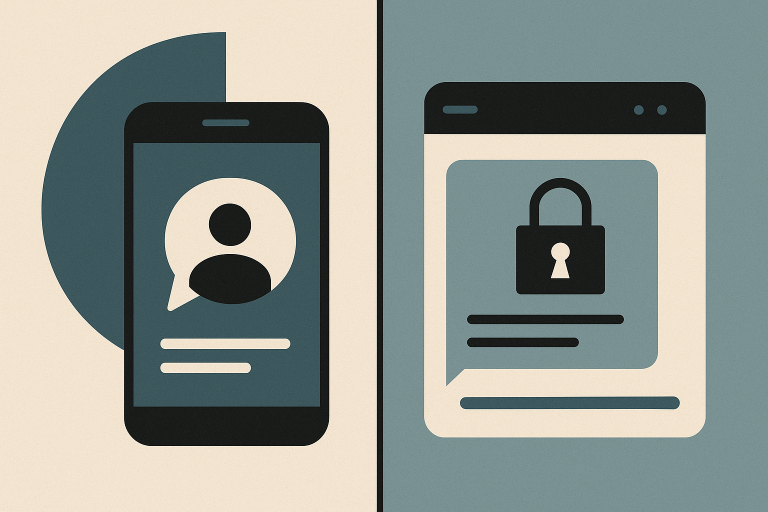
The most reliable way to separate business chat from personal messages is to give work its own app and its own account, then set a few simple rules about what belongs where. A dedicated work messenger draws the line for you, so employees don’t have to remember which conversation is which — and it works far better than asking people to be disciplined inside WhatsApp or their personal text threads.
Why mixing work and personal messaging causes real problems
Using WhatsApp, Messenger, or SMS for work feels convenient at first because everyone already has it. The problems show up gradually.
- Personal phone numbers get shared with coworkers, contractors, and sometimes clients, and there’s no way to undo that.
- Work messages get lost between family photos, group chats, and promotional messages.
- Company information sits on personal accounts that the business doesn’t control.
- Offboarding becomes awkward. When someone leaves, their access doesn’t end — you have to ask them to leave group chats and hope they do.
- Nobody is ever off the clock. A work message at 9:30 p.m. arrives on the same screen as a text from a friend, so it gets read.
None of this requires a policy overhaul to fix. It mostly requires a place where work conversations live and personal ones don’t.
Step 1: Give work its own account and its own application
This is the single change that does most of the work. When employees have a separate work messaging account, the separation is built into the tool instead of depending on habit or willpower.
A dedicated work messenger should:
- use work identities rather than personal phone numbers;
- be controlled by the business, not by whoever created the group chat;
- be installed on the devices employees actually use, including phones;
- contain only coworkers and approved contacts;
- be simple enough that people don’t quietly go back to texting.
That last point matters more than anything technical. If sending a quick question takes three taps and a login prompt, people will send a text instead, and you’re back where you started.
Two administrative details decide whether the separation holds up. First, accounts are created and switched off centrally, by a manager, rather than by whoever happens to start a chat. Second, nobody joins using a personal phone number — each person is identified by a work username instead of the number on their own SIM card. Business messengers such as Brosix are built around that arrangement, so the day someone leaves, an administrator can revoke the account and end their access to every work group at once.
Step 2: Decide what goes where, in plain language
Employees follow rules they can remember. Two or three sentences are usually enough.
| Type of message | Where it goes |
|---|---|
| Daily coordination, questions, quick updates | Work messenger |
| Files, documents, screenshots related to work | Work messenger |
| Formal approvals, client-facing correspondence | |
| Anything genuinely urgent and time-critical | Phone call |
| Social chat, jokes, personal plans | Personal apps, on personal time |
Name one clear exception for emergencies — usually a phone call — so nobody feels they need to keep a personal channel open “just in case.”
Step 3: Set notification expectations, not just channel rules
Separation only helps work-life balance if people are allowed to close the work app. Make that explicit:
- State the hours during which a response is expected.
- Tell employees it’s fine to have work notifications off outside those hours.
- Ask managers to model it. If the owner messages at midnight and expects a reply, the rule is dead.
- Explain what counts as urgent and how urgent things are actually escalated.
- Put the mobile app only on the phones of people who genuinely work away from a desk. Everyone else keeps work messaging on the computer, where shutting it down ends the workday on its own.
What you gain once the channels are separate
- Record keeping that holds up. When a client insists a deadline was never agreed, you search one work archive for the date instead of asking three people to scroll back through a WhatsApp thread that also contains their weekend plans. Six months of coordination stays in a place the business can actually look through.
- Clean offboarding. Deactivating a work account is an administrative step that takes seconds. You aren’t chasing a former employee to remove themselves from a group chat, and you aren’t leaving files sitting on a phone you don’t control.
- Real off-hours. Employees can close the work app without cutting themselves off from friends and family — which is the difference between a change that lasts and one that quietly collapses after two weeks.
How to introduce the change without resistance
Employees push back when a change feels like surveillance or extra work. Frame it the way it actually benefits them: their personal number stays private, and they get to switch work off at the end of the day.
Then make the transition short and definite. Set the accounts up, spend ten minutes with the team showing where messages, files, and group chats now live, and pick a date after which work coordination happens in the work app.
The first week decides everything. Someone will still text you a work question — answer it in the work app rather than by text, and say so once: “Replied in the work chat.” Two or three of those, done without irritation, teach the habit faster than any announcement. Managers have to hold the line here too; if the owner keeps answering WhatsApp messages, everyone else will keep sending them.
If your team is small and the existing chaos feels manageable, start with the account separation alone. The rules and notification expectations are easier to agree on once everyone is already in the same, clearly work-only place.
Keep reading
More articles on the same topic.