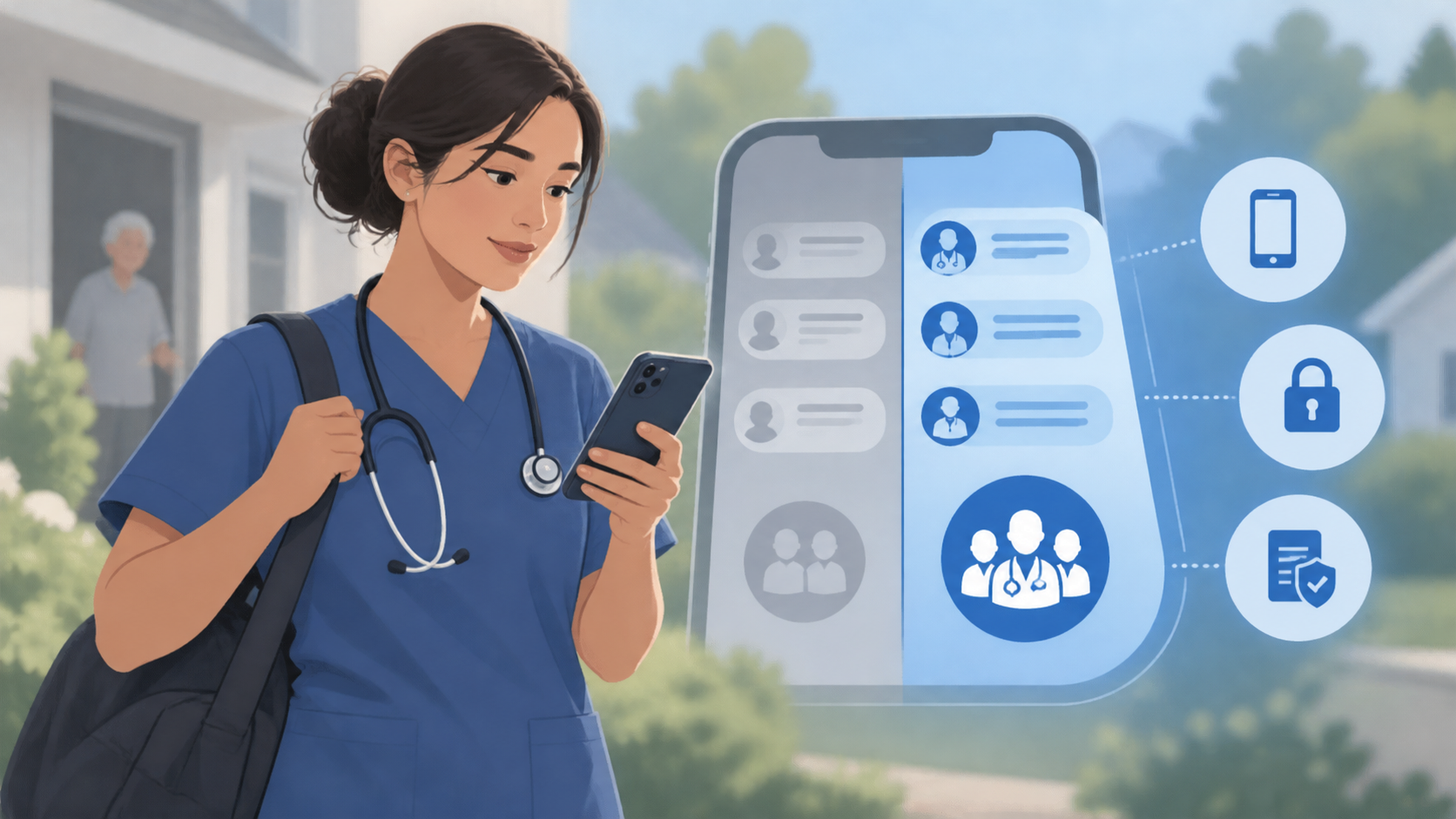
Yes, home health clinicians can use personal phones for work messaging when the agency provides an approved, dedicated work app and clear rules for its use. This bring-your-own-device approach, or BYOD, can be practical, but it requires access controls, device safeguards, and a compliance review appropriate to the agency’s environment—not simply permission to text coworkers.
Why personal phones can work well in home health
Clinicians moving between patient visits already carry their smartphones. Using a familiar device can make it easier to check scheduling updates, reach a supervisor, or coordinate with the office without carrying and charging a second phone.
A dedicated work messenger adds an important organizational boundary: work conversations stay in the work app rather than becoming mixed with family messages and personal text threads.
- Familiar controls: Clinicians already know how to navigate their phones, although they still need instruction on the app and agency policies.
- Easy access: Staff can reach approved team conversations while away from a workstation.
- Push notifications: Alerts can help staff notice updates without repeatedly opening the app, provided notification permissions and phone settings allow them.
- Separate work conversations: A designated app gives staff one place to look for internal messages and reduces reliance on personal texting.
That separation is useful, but it is not complete isolation of work data from the phone. Notification previews, screenshots, downloaded files, and device backups still need attention.
What the agency needs to control
The operational question is not just whether an app runs on personal phones. It is whether the agency can manage access and establish practices clinicians can realistically follow.
- Approved use: Define which conversations belong in the app, what patient information may be shared, and what must be documented in the clinical record. Messaging should not become an unofficial substitute for required documentation.
- Account access: Give each employee an individual account, restrict access to appropriate coworkers and groups, and establish a process for promptly removing access when someone leaves.
- Device practices: Require screen locks, automatic locking, supported software, and timely updates. Address shared-device access and hiding sensitive notification previews on lock screens.
- Local data: Set rules for screenshots, downloads, personal photo libraries, and backups. Verify how the chosen app stores information on the device.
- Loss and replacement: Explain how staff should report a lost phone, who will disable access, and how work information is handled when a device is replaced or retired.
- Employee boundaries: Clarify availability, after-hours expectations, data costs, technical support, and what the agency can view or manage on a personal device.
For messages containing protected health information, have the appropriate privacy, security, or compliance lead review the proposed workflow, vendor arrangements, and safeguards. Personal ownership does not automatically prevent HIPAA-compliant use, but neither a dedicated app nor encryption alone makes the workflow compliant.
Where Brosix fits
Brosix is a cross-platform business messenger with native apps for employees’ own iPhones and Android phones, as well as desktop applications and a web version. It can give field clinicians and office staff a shared space for internal one-to-one and group conversations, separate from personal texts.
Administrators can manage user accounts, permissions, and chat-history retention through a web-based admin control panel. Brosix provides a closed communication network for authorized users and encrypts communication in transit. It can support HIPAA-compliant use, and a Business Associate Agreement is available on request; the agency still needs to evaluate its configuration, policies, and device practices.
Test everyday usability before adopting BYOD
Run a small pilot across the phone types clinicians actually use. Check sign-in, notification delivery, lock-screen privacy, battery impact, and access in areas with weak connectivity. Establish a separate escalation procedure for urgent matters: a push notification—or even a read receipt—is not confirmation that someone has acted.
If an employee’s phone cannot meet the agency’s requirements, or the employee cannot accept the required management controls, provide an agency-approved alternative. BYOD is most useful when it makes communication easier without leaving access, privacy, or staff responsibilities unclear.