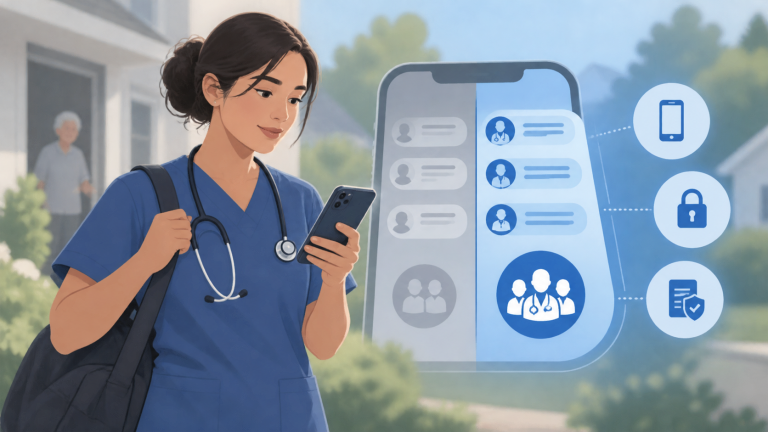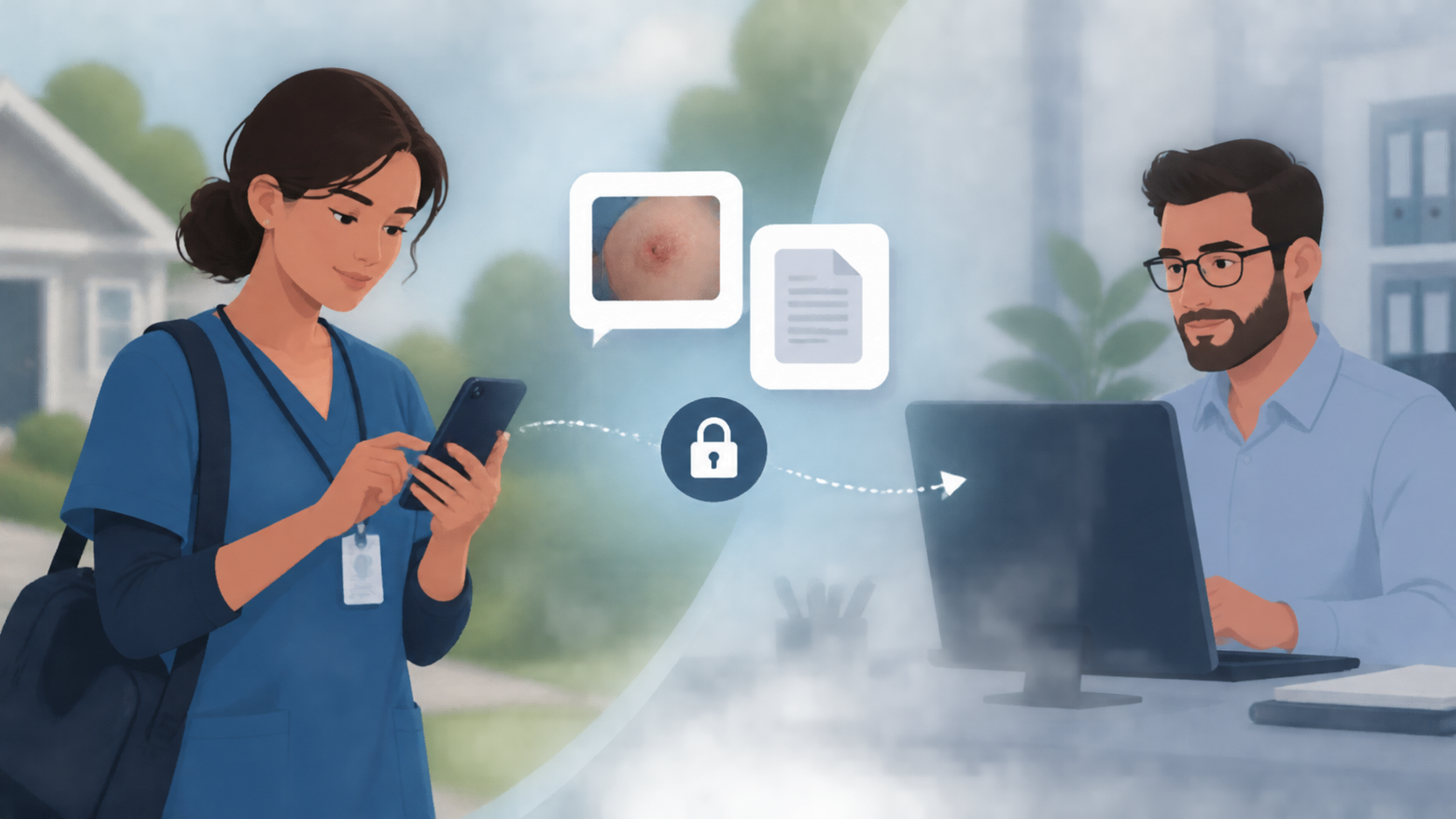
Yes, home health clinicians can securely send photos, PDFs, and other work files to the office through an agency-approved team messaging app, provided the agency’s security policies and compliance controls permit that use. A practical workflow keeps the file and its accompanying message in the relevant work conversation, where office staff can receive it on desktop or mobile.
How field-to-office file sharing works
Instead of sending a document separately from the discussion about it, a clinician can share it with the authorized coworker or group handling the task. The office can then ask questions and coordinate the next step in the same conversation.
- Open the appropriate work conversation. Confirm that everyone in it is authorized to receive the information.
- Select the approved photo or document. Check that it is the correct file and does not include unnecessary sensitive information.
- Add a short explanation. State what the file is for and what action is needed, such as “Please review this supply request and confirm availability.”
- Send and follow up. Office staff receive the file in the same thread on their desktop or mobile device and can respond there.
Brosix supports photo and document sharing through secure file transfer alongside one-to-one and group messaging. Its native iOS and Android apps give field clinicians mobile access, while office staff can use desktop applications. This makes file sharing part of the team’s messaging workflow rather than a separate exchange.
Why keeping files with messages helps
A file alone may not explain why it was sent, who should review it, or what needs to happen next. Keeping the photo or PDF beside the request and follow-up discussion helps authorized staff understand the context without piecing together a text message, an email, and a separate attachment.
For example, an approved equipment photo can accompany a question about replacement supplies. The office’s clarification and the clinician’s response stay connected to that discussion, reducing ambiguity during handoffs.
What makes the workflow appropriate for patient information?
Secure transfer is only one part of the decision. Brosix encrypts communication in transit across all channels and provides a closed network for authorized users. It can support HIPAA-compliant use, and a Business Associate Agreement is available on request. Those capabilities do not mean every patient photo or document is automatically appropriate to share.
Before allowing patient information in messaging, the agency should establish:
- Which information may be shared and with whom.
- Any required agreements, including a Business Associate Agreement where applicable.
- Rules for device access, downloaded files, photo storage, and personal cloud backups.
- Retention procedures and requirements for placing relevant information in the official patient record.
Messaging can support coordination, but it should not replace required clinical documentation or the agency’s urgent escalation process. Staff should know both what they may send and when they need to use another approved channel.
Keep reading
More articles on the same topic.