Keep Your Home Health Clinicians Connected With the Office

Mobile for clinicians. Desktop for the office. One shared work conversation.

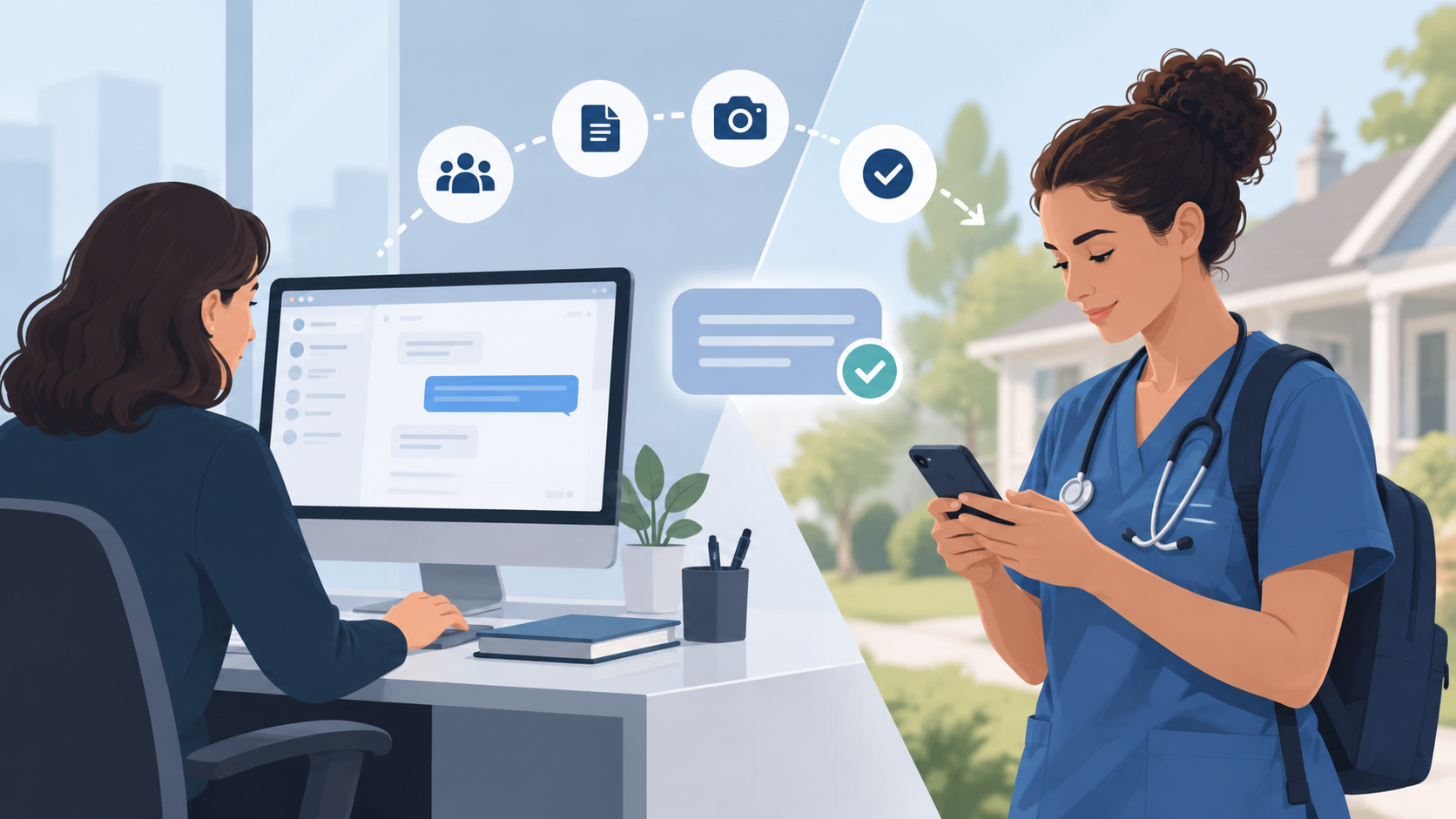
Brosix gives your team a simple way to message, share photos and documents, and see when important messages have been opened.

14 days. No credit card required.

Brosix messaging connecting home health clinicians on mobile with office staff on desktop

One Clinician. One Office Conversation.

Each clinician gets a dedicated conversation with the office team.

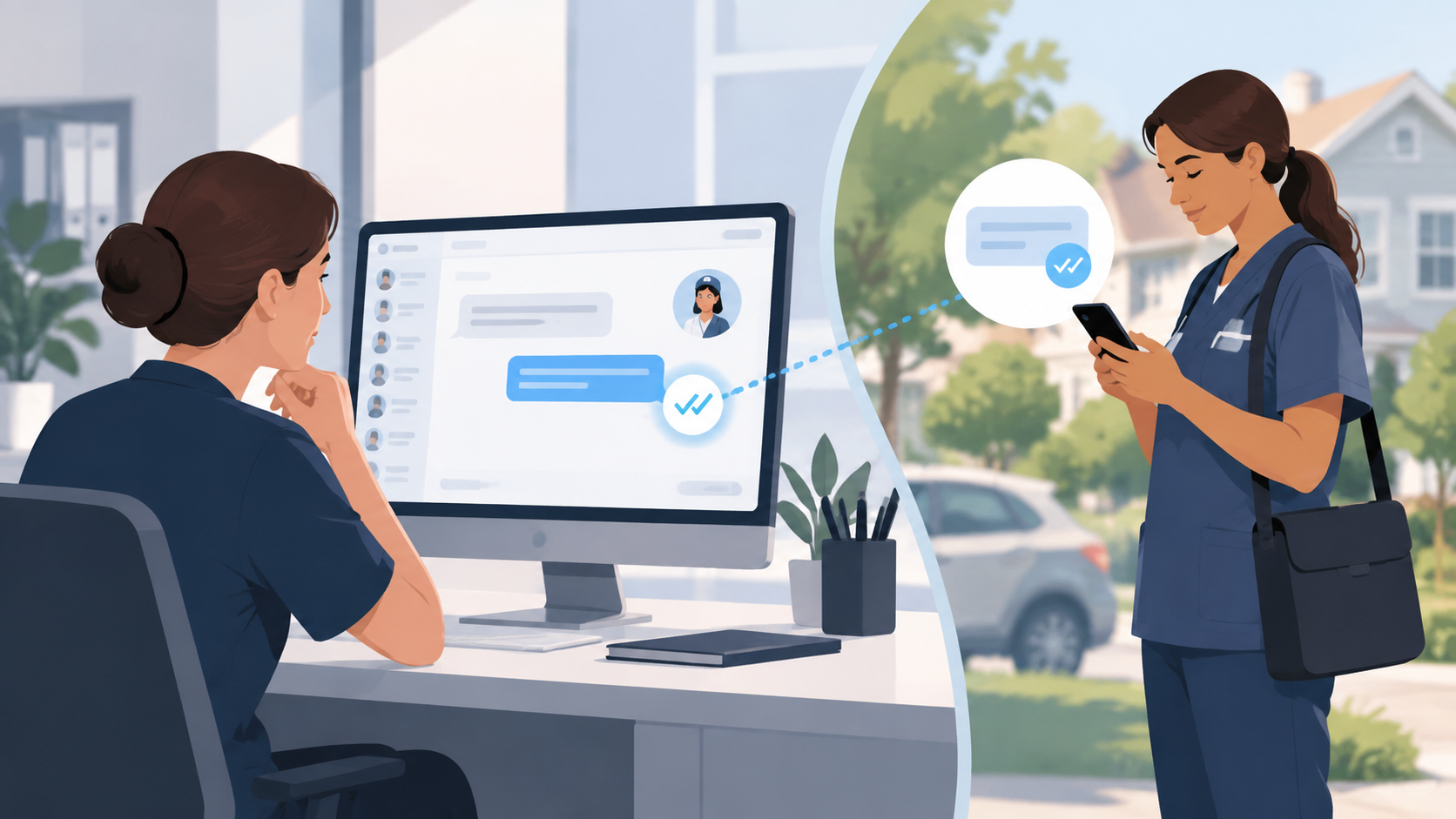
A nurse can send an update from a patient visit. The right people in the office see it on their computers, respond, and share the same conversation history.

Other clinicians stay out of that conversation.

Clinician on mobile → dedicated conversation → office team on desktop
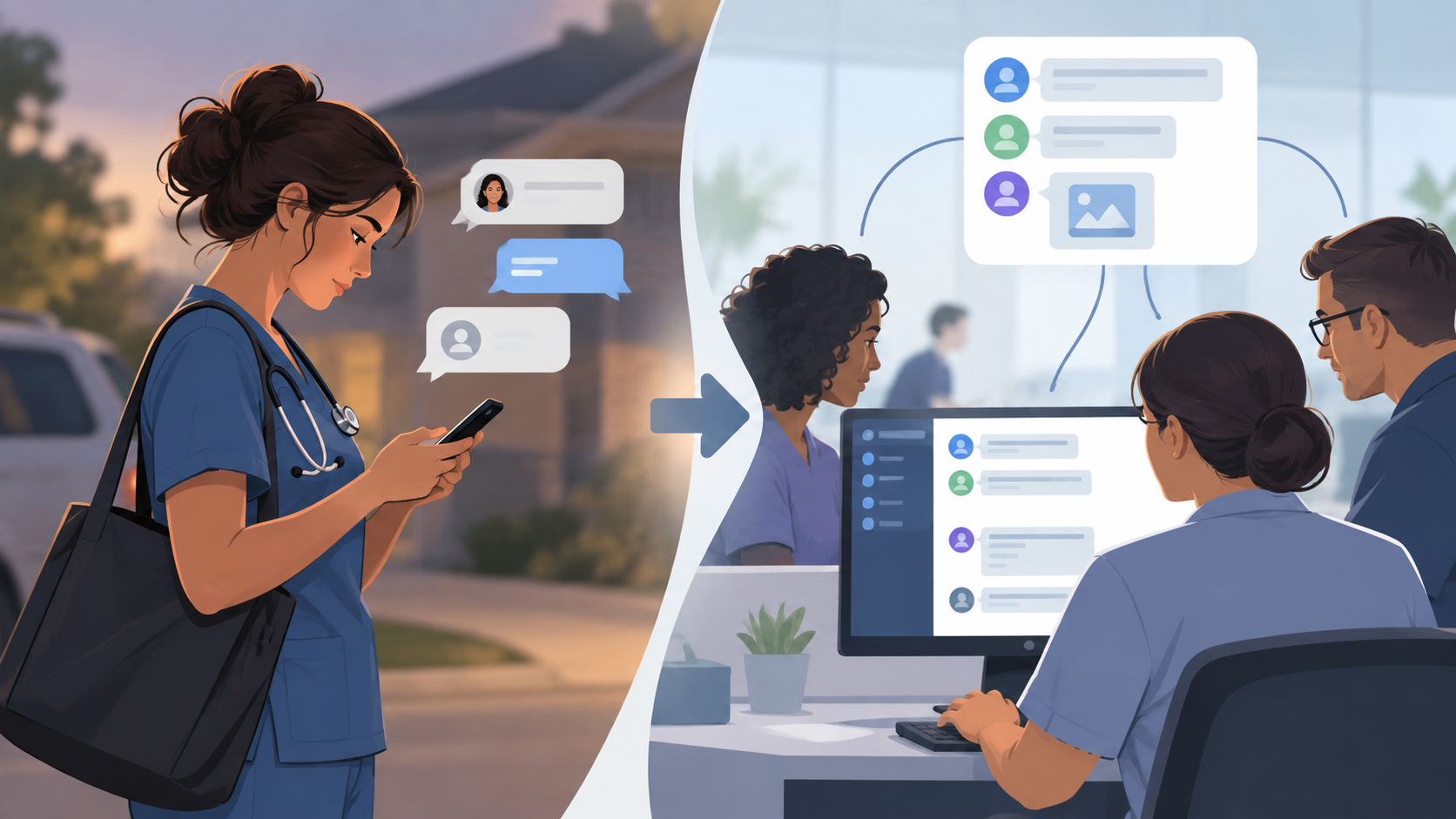
A clinician messaging with an office team in a dedicated Brosix conversation
Home health clinicians using Brosix on mobile and office staff using Brosix on desktop

Easy for Clinicians. Practical for the Office.

  • Clinicians use the phones they already carry.
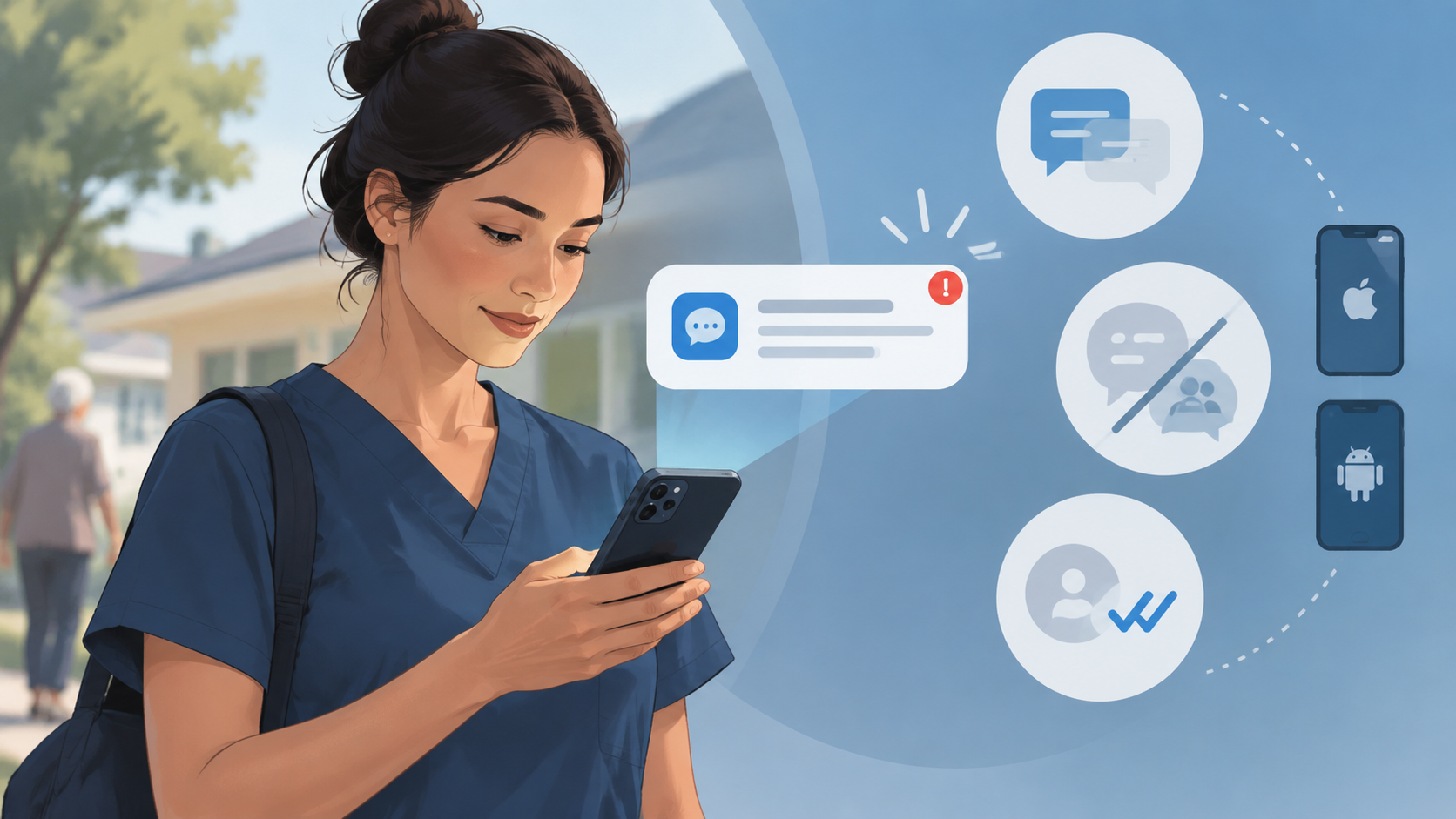
    Brosix works on iPhone and Android, with push notifications, persistent login, and a familiar messaging experience.
  • Office staff work from their computers.
    They can read and reply from Windows or Mac without constantly switching back to a phone.
  • Both sides stay in the same conversation.

Know When an Important Message Has Been Seen

When the office sends a time-sensitive message, SEEN status shows whether the clinician has opened it.

Push notifications help new work messages stand out on the clinician’s phone.

Brosix SEEN status for an important home health team message

Keep Work Messages Separate From Personal Texting

Clinicians can use their own phones without mixing agency communication into personal SMS or iMessage threads.

Brosix gives them a dedicated work app for messages, photos, and documents, while the agency keeps communication organized in one place.

Private, Managed Messaging for Your Team

Brosix gives your agency a private messaging environment for authorized team members.

Data is encrypted in transit using TLS, and administrators can manage users and communication settings from the Web Control Panel.

For organizations with HIPAA-related requirements, a Business Associate Agreement (BAA) is available upon request.

Keep Your Clinicians and Office Team in the Same Conversation

Simple messaging for the way home health teams actually work.

Start Free Trial

14 days. No credit card required.