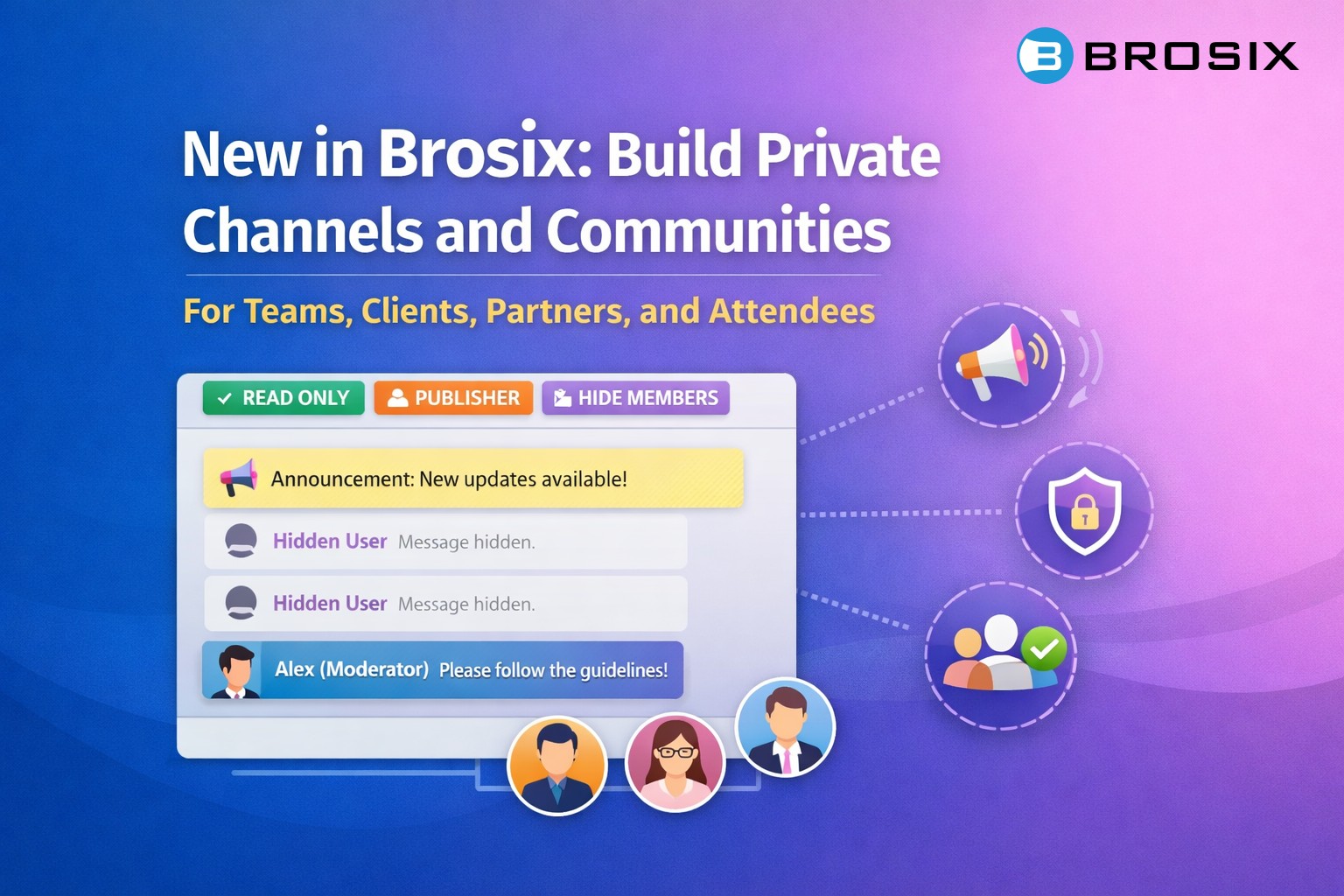
Most team messaging tools are built for internal communication. Brosix has always been that too – but with our latest update, it’s now something more. Four new chat room controls make it possible to build structured channels and communities not just for your team, but for anyone you want to communicate with: clients, partners, members, attendees. All inside the same private, easy-to-manage Brosix network.
The new controls are: Read Only, Publishers, Hide Members, and Moderators. Each one can be toggled independently on any chat room. Combined, they let you build broadcast channels, private communities, and moderated group spaces – for people inside your organization and outside it.
Here’s what’s new and how it works.
Four New Chat Room Controls
Read Only
When a chat room is set to Read Only, regular members can receive messages but cannot send them. Only designated Publishers can post. This instantly transforms a chat room into a one-way broadcast channel — perfect for announcements, updates, or any information that needs to reach everyone without turning into a discussion thread.
Publishers
Publishers are the specific users allowed to send messages in a Read Only chat room. You choose who can post — a team lead, a department head, or anyone else with the right authority. Everyone else receives those messages in real time, across all their devices: Windows, Mac, Linux, mobile, and tablet.
Hide Members
When Hide Members is enabled, participants in the chat room cannot see who else is in it. This is useful when you’re communicating with a large group where individual members don’t need — or shouldn’t have — visibility into each other.
Moderators
Moderators are trusted users who can delete messages sent by others in a chat room. By default, only the person who sent a message can delete it. With Moderators enabled, you have the oversight needed to enforce community guidelines in active group chats — especially important when a large number of people can post freely.
Each of these settings is independent. You can enable any combination, depending on what you need.
What You Can Build
Broadcast channel (Read Only + Publishers)
Activate Read Only and assign Publishers, and your chat room becomes a one-way broadcast channel. Publishers push out news, updates, or instructions. Everyone else receives them in real time across all their devices — no replies, no noise.
Add Hide Members to this setup, and the channel becomes fully anonymous. Members receive broadcasts without seeing who else is subscribed.
Open community with moderation (Moderators)
Leave Read Only and Publishers off — everyone can post freely. Add Moderators, and you have a managed community space where trusted users can remove messages that break the rules. Ideal for large group chats where free expression matters, but some oversight is needed.
Combine with Hide Members, and you have an anonymous community chat: members can post and see messages, but not who else is in the room.
Who Benefits
These new controls are especially useful for businesses that need to communicate structured information to a defined group — whether that’s an internal team, paying clients, or external partners. The common thread: a group of people who need to receive information, stay coordinated, or participate in a managed space.
A few examples of who can use this today:
- Financial advisors, wealth managers, and market analysts — push market updates or investment insights to client groups via a private broadcast channel.
- Business, life, and executive coaches running group programs — maintain a clean content channel separate from open discussion.
- Real estate agents and property managers — keep buyers, sellers, or tenants informed through a structured, moderated channel.
- Insurance brokers — communicate policy updates to client groups reliably and privately.
- Healthcare practitioners, private tutors, and legal practitioners — manage group communications with clients or students without compromising privacy.
- Franchise operators and corporate L&D teams — maintain consistent, controlled internal communications across distributed locations.
- Event organizers — send one-way updates, schedule changes, and logistics to a large group of attendees without the noise of an open group chat.
This is just a sample. Any business that manages a defined group — whether internal staff, paying clients, or event attendees — will find a practical use for these controls.
The Bigger Picture
At Brosix, we’ve always believed that communication tools should adapt to your business — not the other way around. These new chat room controls mark something broader than a feature update: Brosix is no longer just a tool for internal team communication. It’s now a platform where businesses can also communicate securely with the people outside their organization — clients, partners, members, attendees — in a structured, controlled environment that they own and manage.
You still get the same intuitive interface your team knows. The same private network. The same reliability across platforms. What’s new is finer control over how information flows inside that network.
Whether you need a broadcast channel for your team, a moderated community for your clients, a private information channel for event attendees, or any combination of the above — Brosix now supports all of it, out of the box.
Ready to explore the new controls? Log in to your Brosix admin panel and check the updated chat room settings. If you have questions, our support team is happy to help.