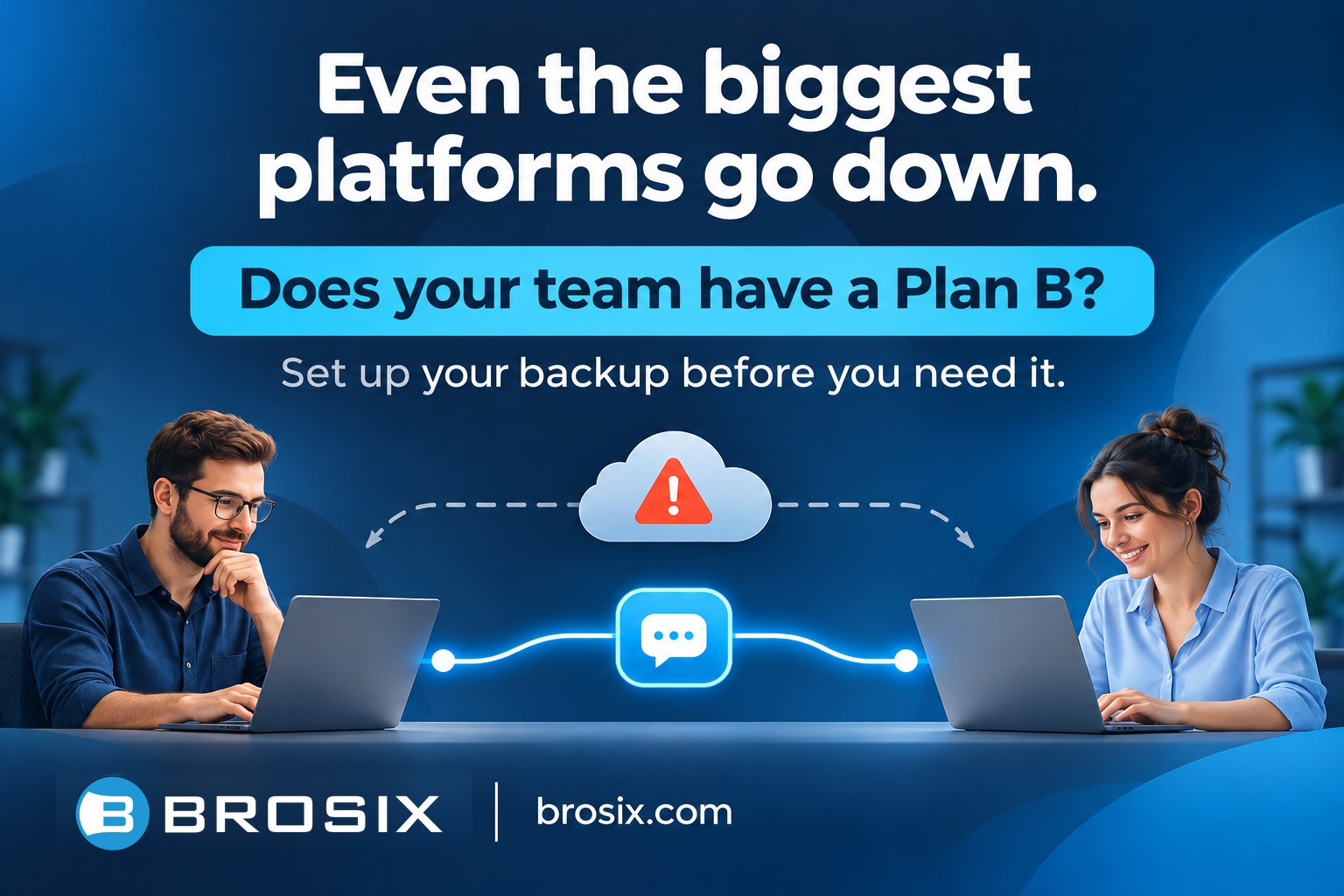
Even the biggest cloud platforms can have a bad day.
The Microsoft 365 disruptions in November 2026 are a reminder that even the most established technology providers can experience unexpected service interruptions.
For businesses that rely on cloud-based tools every day, these incidents raise an important question:
What happens when your team’s primary communication platform becomes unavailable?
Why Having a Backup Communication Tool Matters
Most businesses depend on a single platform for internal communication. Whether it’s Microsoft Teams, Slack, or another messaging service, employees use it to exchange information, coordinate tasks, and make decisions.
When that platform experiences problems, communication can become difficult or even stop entirely.
For a small business, even a few hours of disrupted communication can mean delayed decisions, missed updates, and frustrated employees.
This doesn’t mean businesses should stop using their preferred communication tools. These platforms provide tremendous value, and occasional outages are an unavoidable reality of technology.
But relying entirely on one provider creates an unnecessary risk.
Having a backup communication channel is a simple way to reduce that risk.
Your Backup Needs to Be Ready Before You Need It
There’s an important difference between having a backup tool and having a backup that’s actually ready to use.
If your primary communication platform stops working, that’s not the ideal time to start researching alternatives, creating accounts, and explaining a new application to your employees.
A little preparation makes a big difference.
Here are a few simple steps:
- Choose a separate communication platform. Ideally, it should operate independently of your primary communication provider.
- Set it up in advance. Create accounts for your team members and make sure everyone can access the platform.
- Make sure your employees know how to use it. A quick introduction and a test conversation are often enough.
- Keep it ready. Occasionally check that accounts, notifications, and communication channels are working, and agree on when your team should switch to the backup.
Your backup doesn’t need to replace your everyday messaging platform. It simply needs to be available when your team needs another way to communicate.
Brosix as Your Backup Team Communication Platform
Brosix is a secure, easy-to-use team messaging platform designed for businesses that need straightforward internal communication.
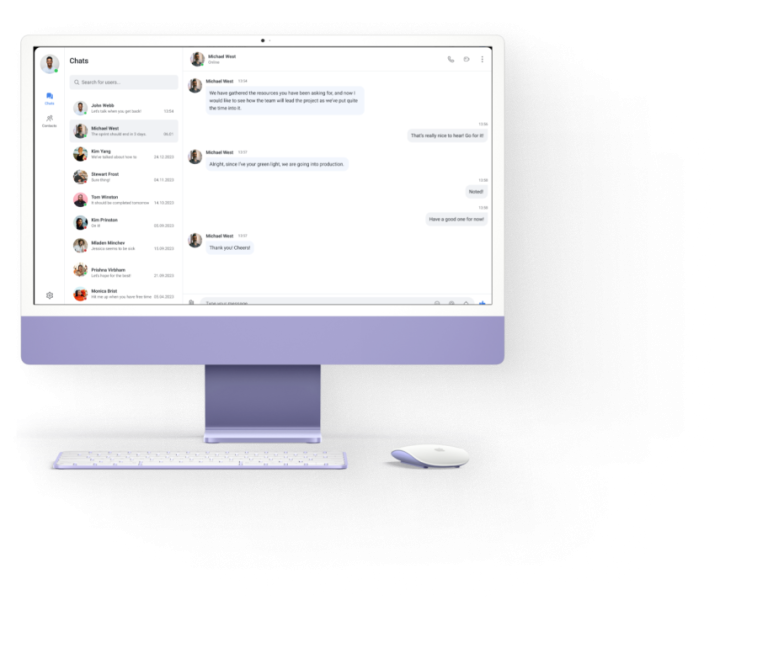
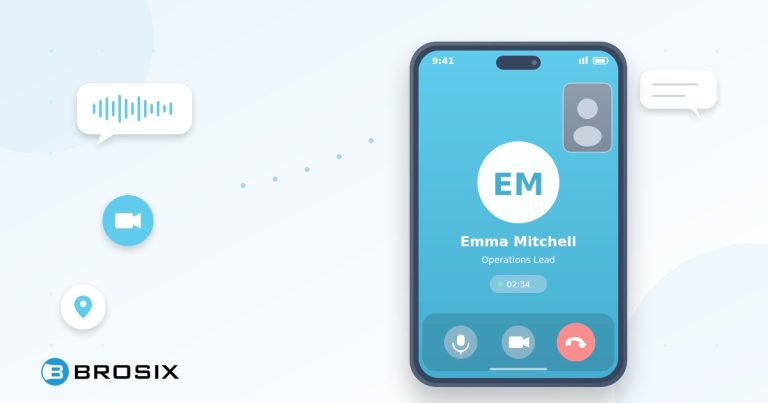
With one-on-one messaging, group chats, file sharing, and voice and video calls, Brosix provides the essential tools teams need to stay connected.
It’s simple to set up and easy for employees to learn, even without dedicated IT support.
You can use Brosix as your primary communication platform or keep it available as an alternative when your usual tools are experiencing problems.
Either way, the goal is the same: help your team stay connected and keep work moving.
Don’t Wait for the Next Outage
No cloud service can promise that it will never experience downtime.
But businesses can prepare for unexpected disruptions instead of relying entirely on one provider.
You don’t need to replace the communication tools your team already knows and likes.
You just need a Plan B.
And the best time to prepare that Plan B is before you need it.
Keep your team’s important conversations going with Brosix.
Learn more at www.brosix.com
Keep reading
More articles on the same topic.