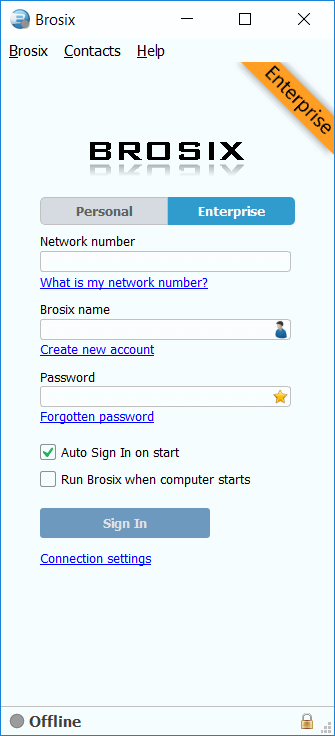


Brosix for Windows
version 5
portable (.zip)
Need an installer?
Get Brosix Installer (.exe)
Need to use Brosix on a Terminal Server?
Read this guide
- Text messaging, Group chat, Chat Rooms
- Unlimited File Transfer
- Remote Desktop Sharing, Instant Screenshot
- Virtual Whiteboard, Video and Audio Chat
- Encrypted communication channels
- See the full features list
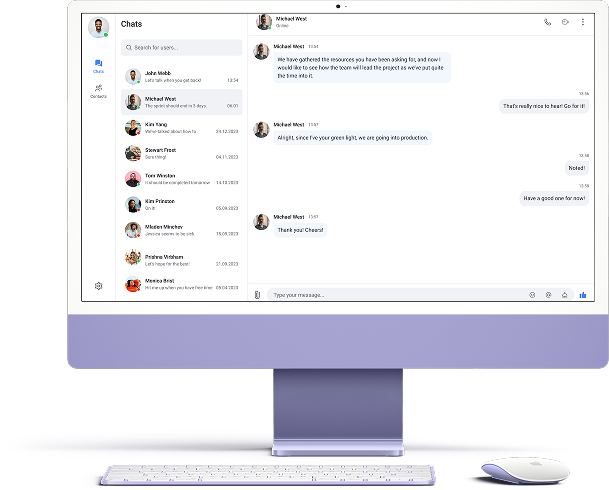
Install Brosix for Windows portable
1. Save the Brosix.zip file
First, save the Brosix zip file directly to your computer. Wait for the download to complete, then open the archive.
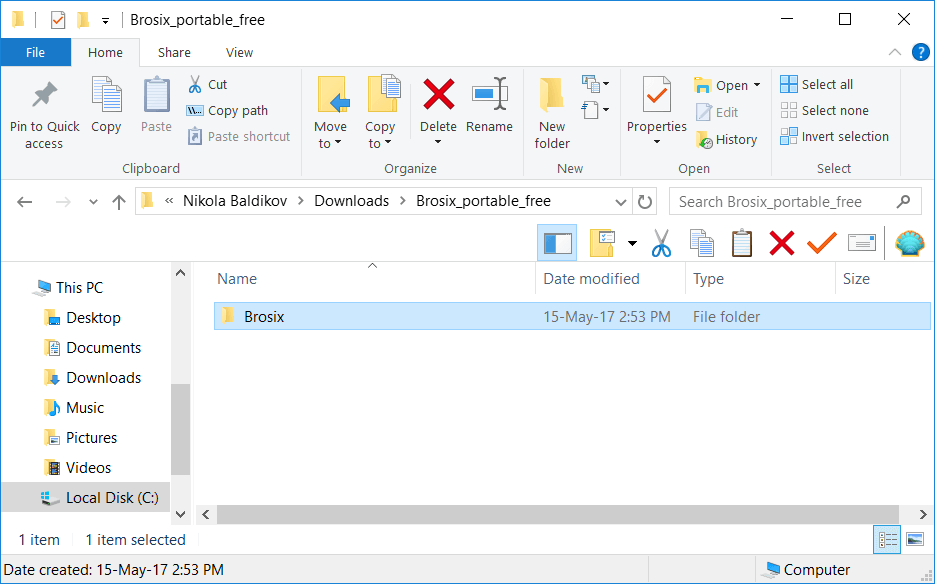
2.Install the Brosix program
Next drag and drop the Brosix folder from your archive to your preferred destination (for example your desktop, an external flash drive, or any other location). Wait for the archive extraction to finish and then close the archive window.
Next open the destination where you extracted Brosix and create a link to the application. Place this link in your preferred destination (for example your desktop). This will allow you to launch the program more easily. Now close the folder and your installation is complete.
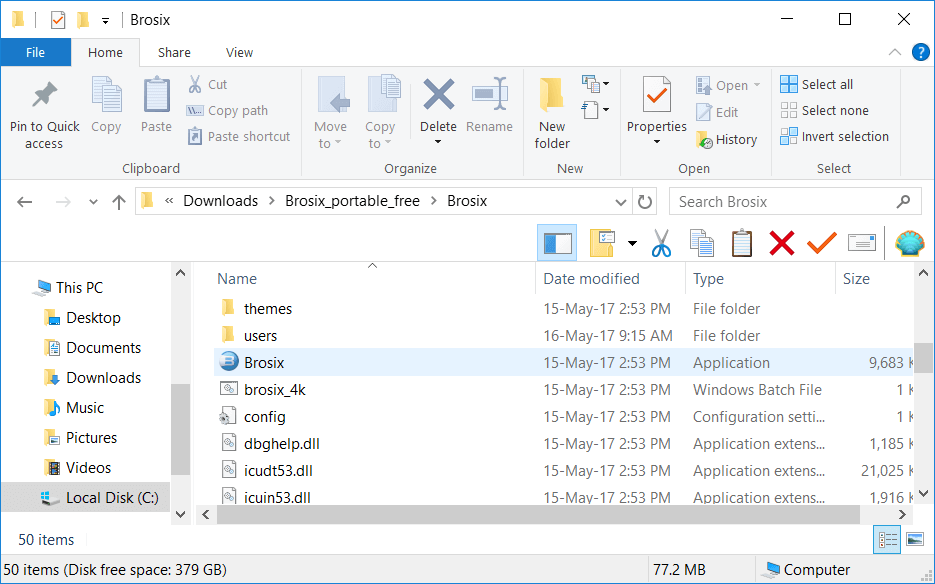
3. Launch the Brosix program
In order to launch the program, double click on the Brosix icon. If asked for permission to run the application, un-check the “Always ask before opening this file” check box and click the “Run” button.
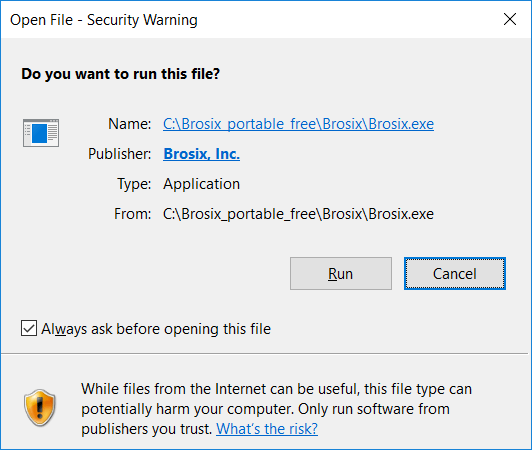
The Brosix application will now appear on your screen and an icon will appear on your task bar and tray icons area. When prompted, allow Brosix to pass your firewall.