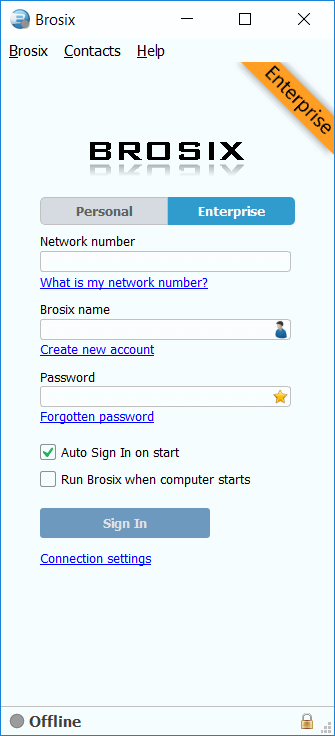


Brosix for Windows
installer (.exe) Download Watch video tutorial
Need a portable version? Get Brosix Portable (.zip)
Need to use Brosix on a Terminal Server? Read this guide
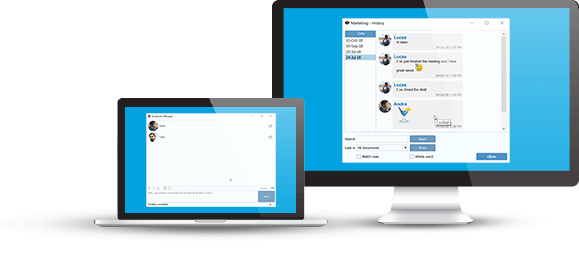
- Text Chat, Chat Rooms
- Lightning fast File Transfer
- Screen-sharing, Screenshot
- Voice Chat, Video Chat, Whiteboard
- Encryption of all communication channels
- See a full list of features
Install Brosix for Windows
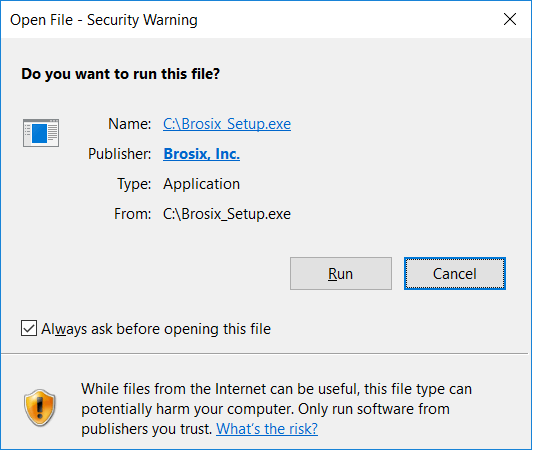
1. Launch the Brosix Installer
Select the Brosix download button above to begin downloading the Brosix installer. Once the download is complete, select the Brosix_setup.exe file in your download bar or folder in order to launch the installer.
If you’re using Windows 10, Windows 8, Windows 7 or Vista, at this point you may see a User Account Control window. Please click “Continue”.
Note: You also have the option to download the Brosix app in a zipped file and directly place it in an installation location of your choosing.
2. Installation is Complete
The Brosix installer will automatically install the program on your computer. After installation, the Brosix app will launch with the icon in both the task-bar and the tray-icons area. You can now either create an account, log in to your network using the credentials provided to you by your network administrator.
Please allow Brosix to pass through your Windows Firewall when prompted.